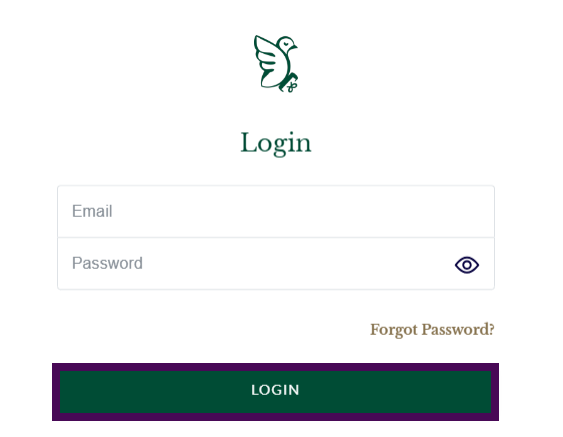
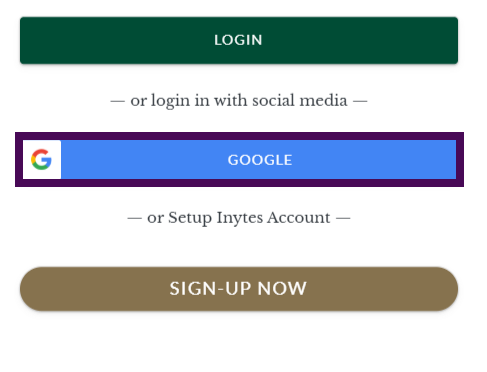
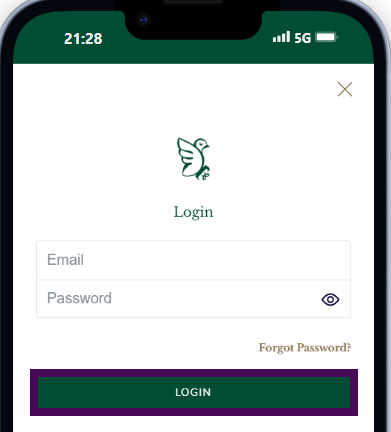
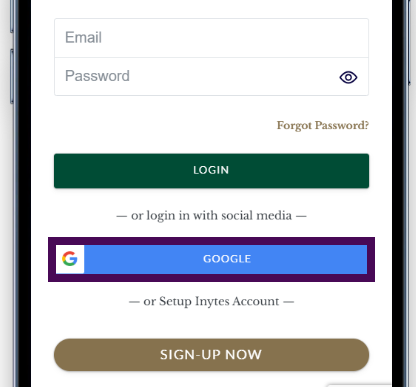
You can log in to inytes.com in two different ways. You may use Google Sign-in or your email address and password to log in.
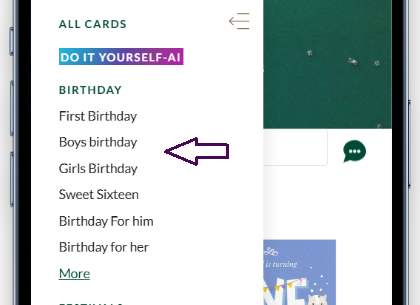
Select card with following steps.
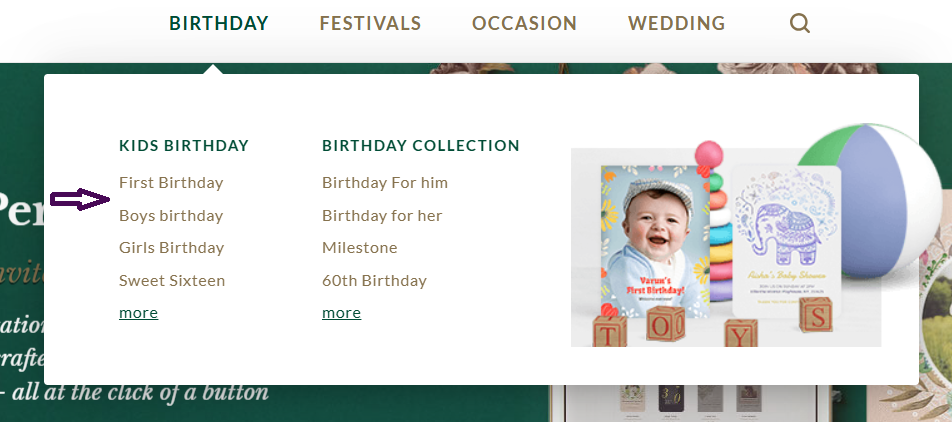
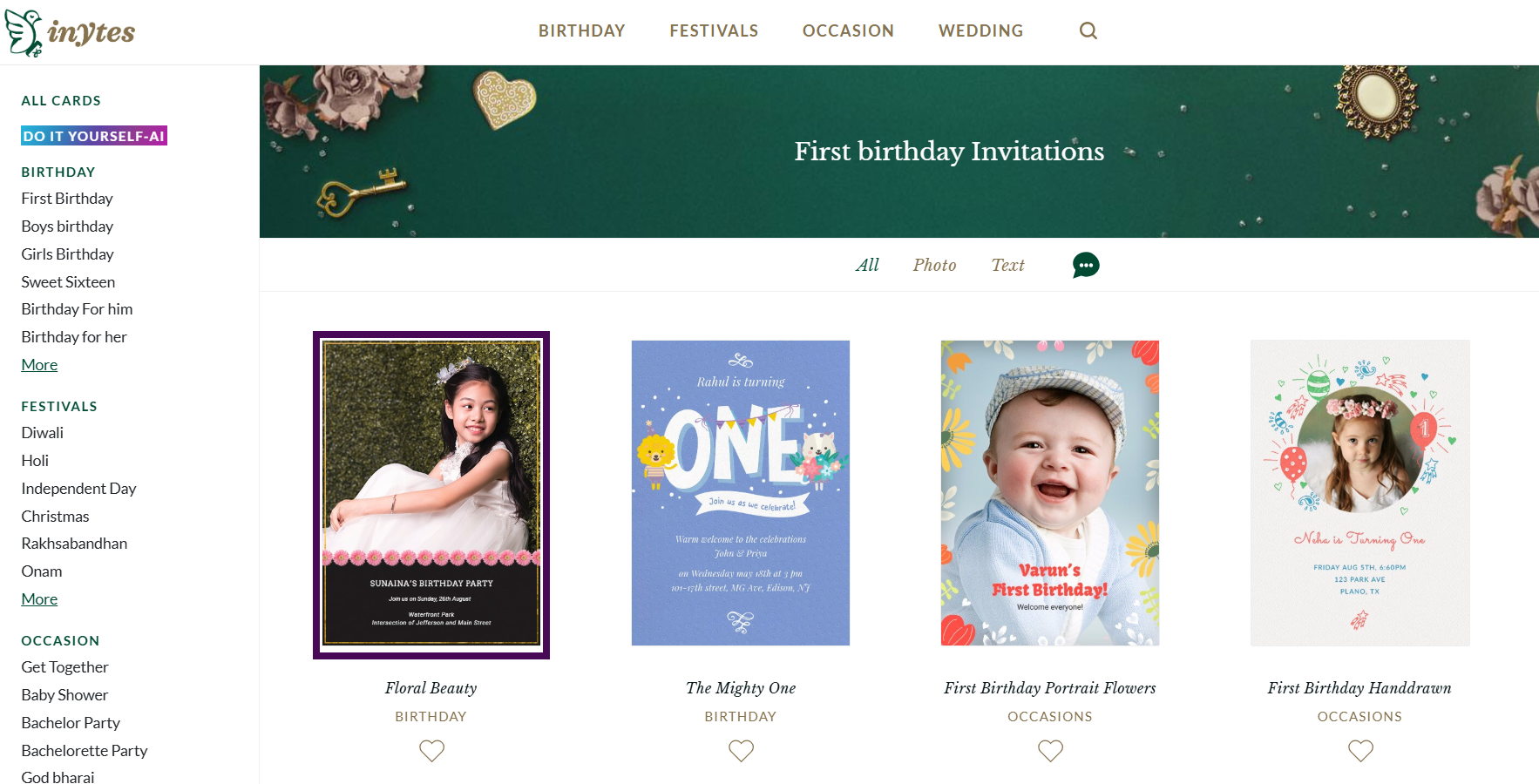
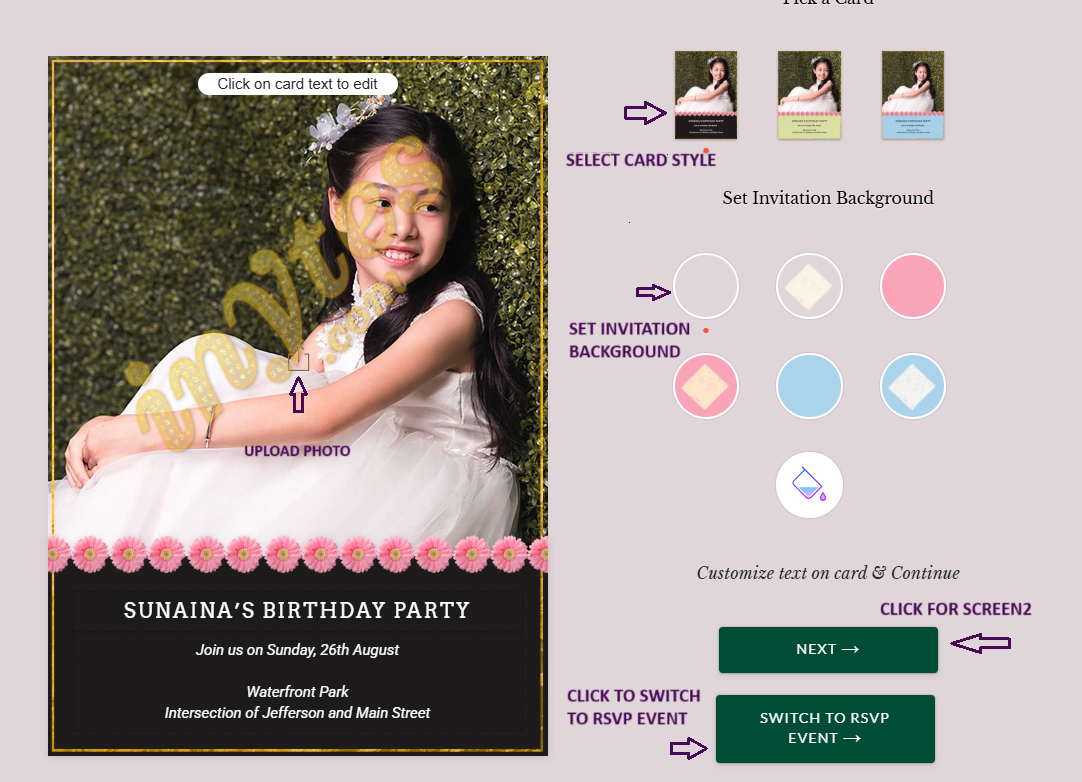
After card selection we will get two options.
With this option we can dowload the greeitng card after upgrade.

With this option we can Add Card, Add RSVP Guests, Send Invites, Send Gifts etc.

Only for download greetings.
Add necessary details.
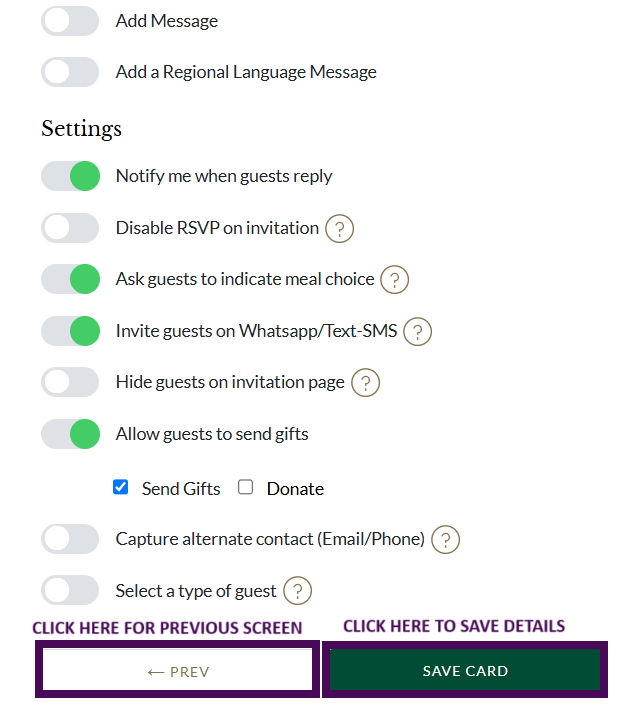
To save details.
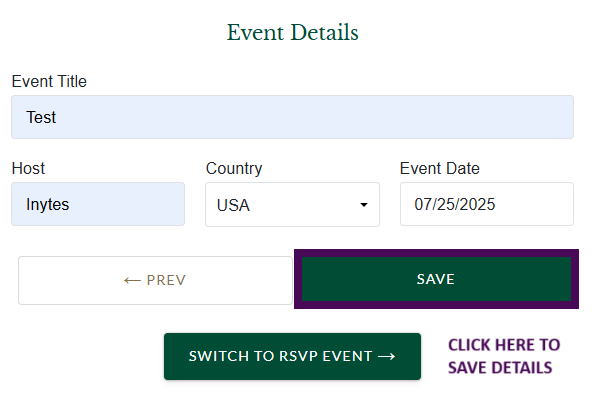
To save details.
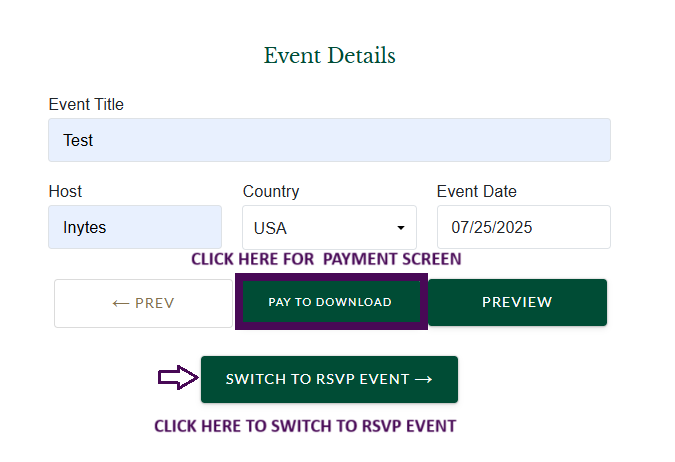
Only for download greetings.
Add necessary details.

To save details.
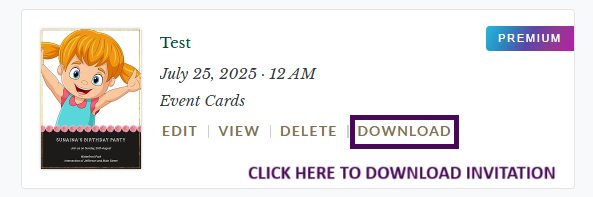
For all RSVP Features.
Select styles.
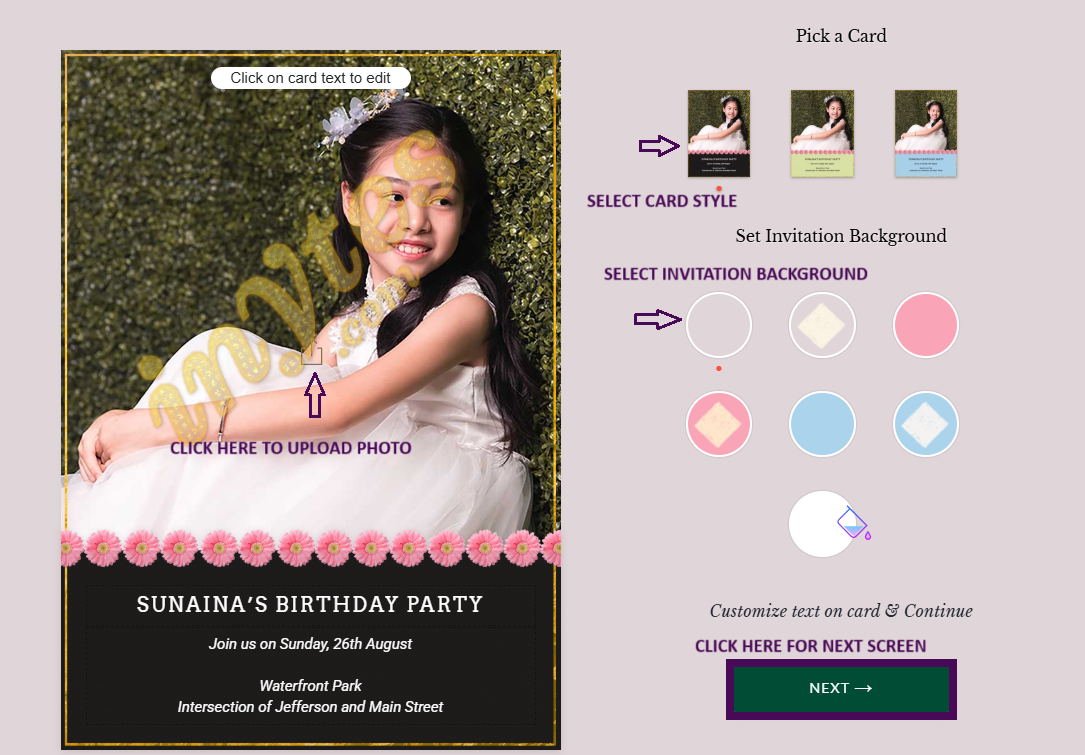
Add necessary details.
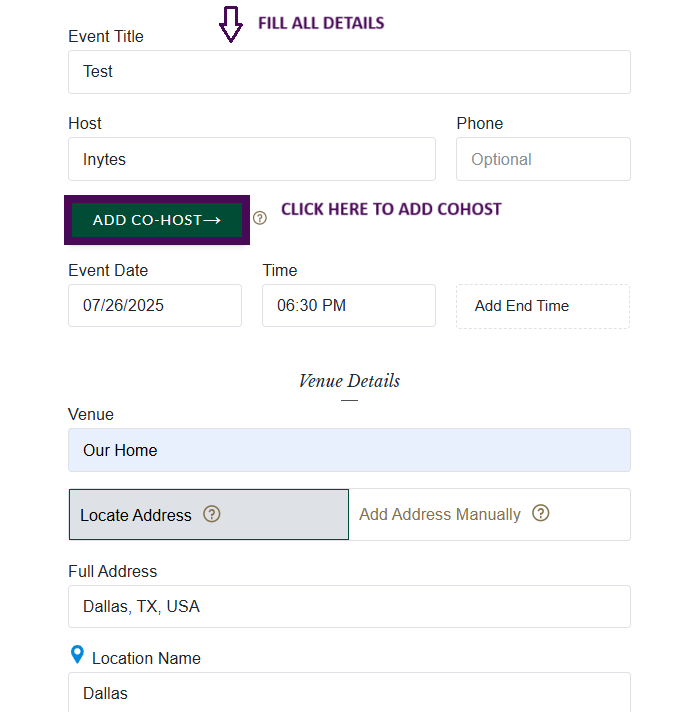
Add necessary details.
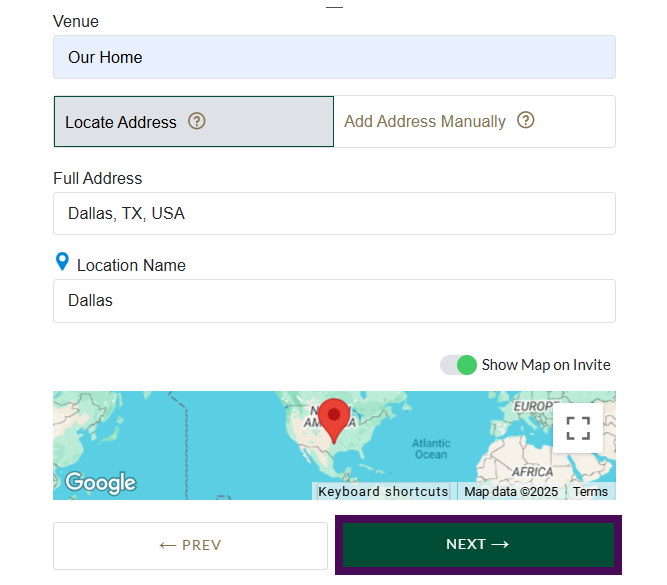
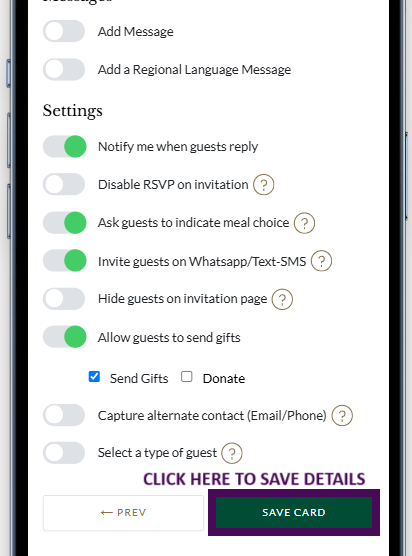
Save details.
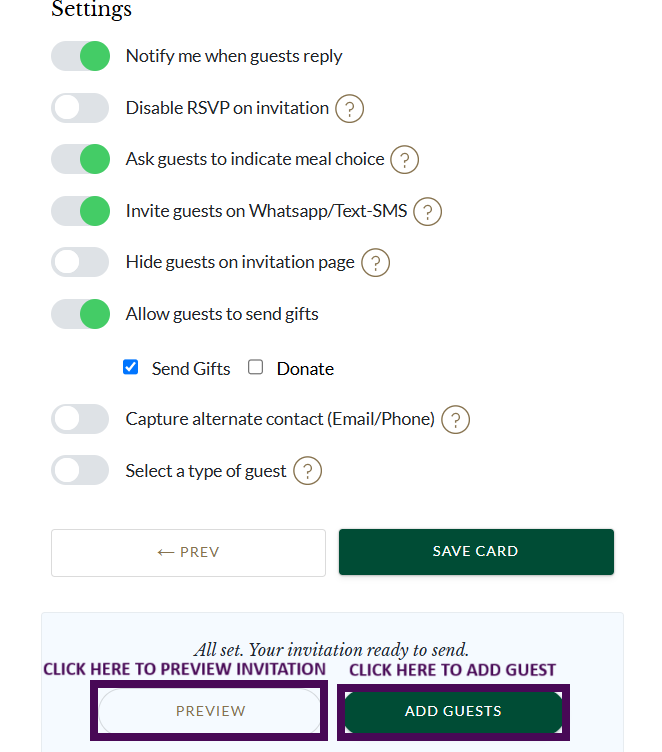
Preview & Add Guest.
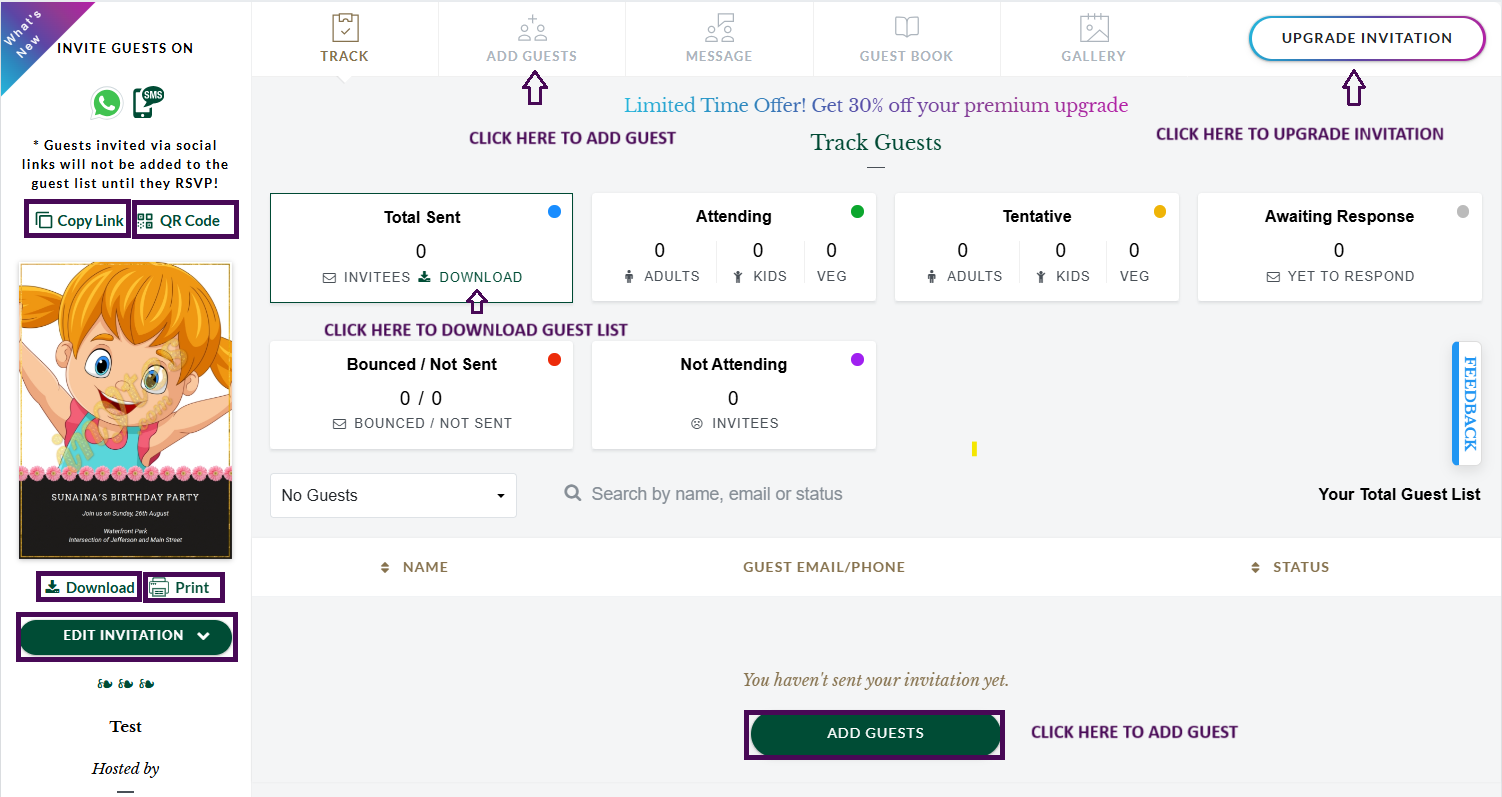
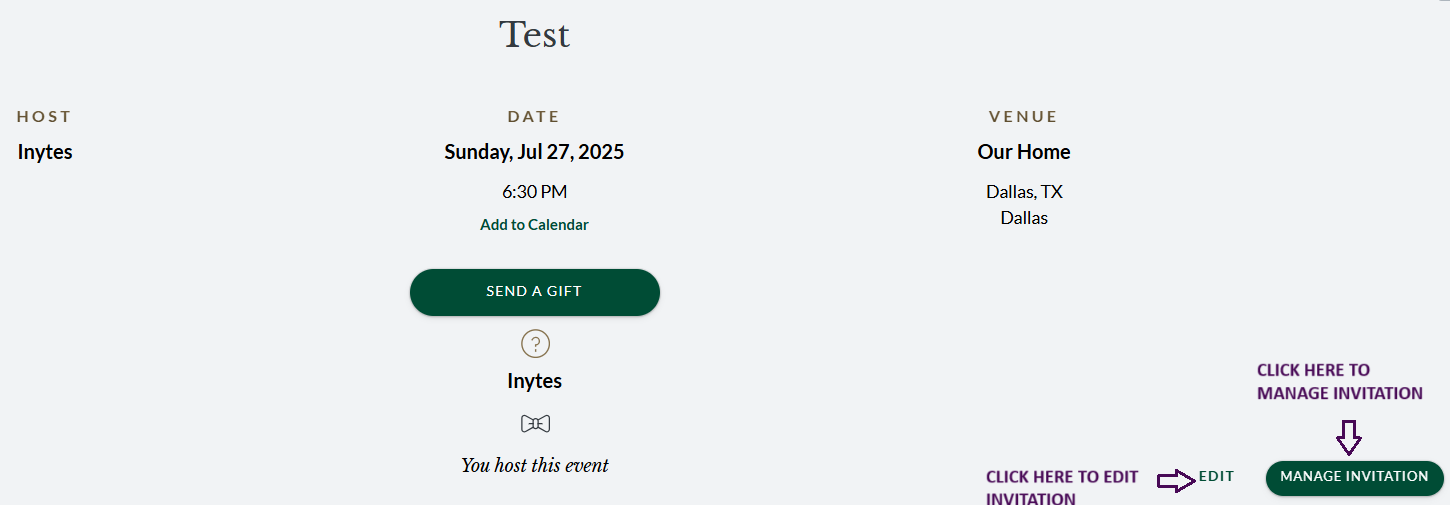
Manage Invitation.
Step1.
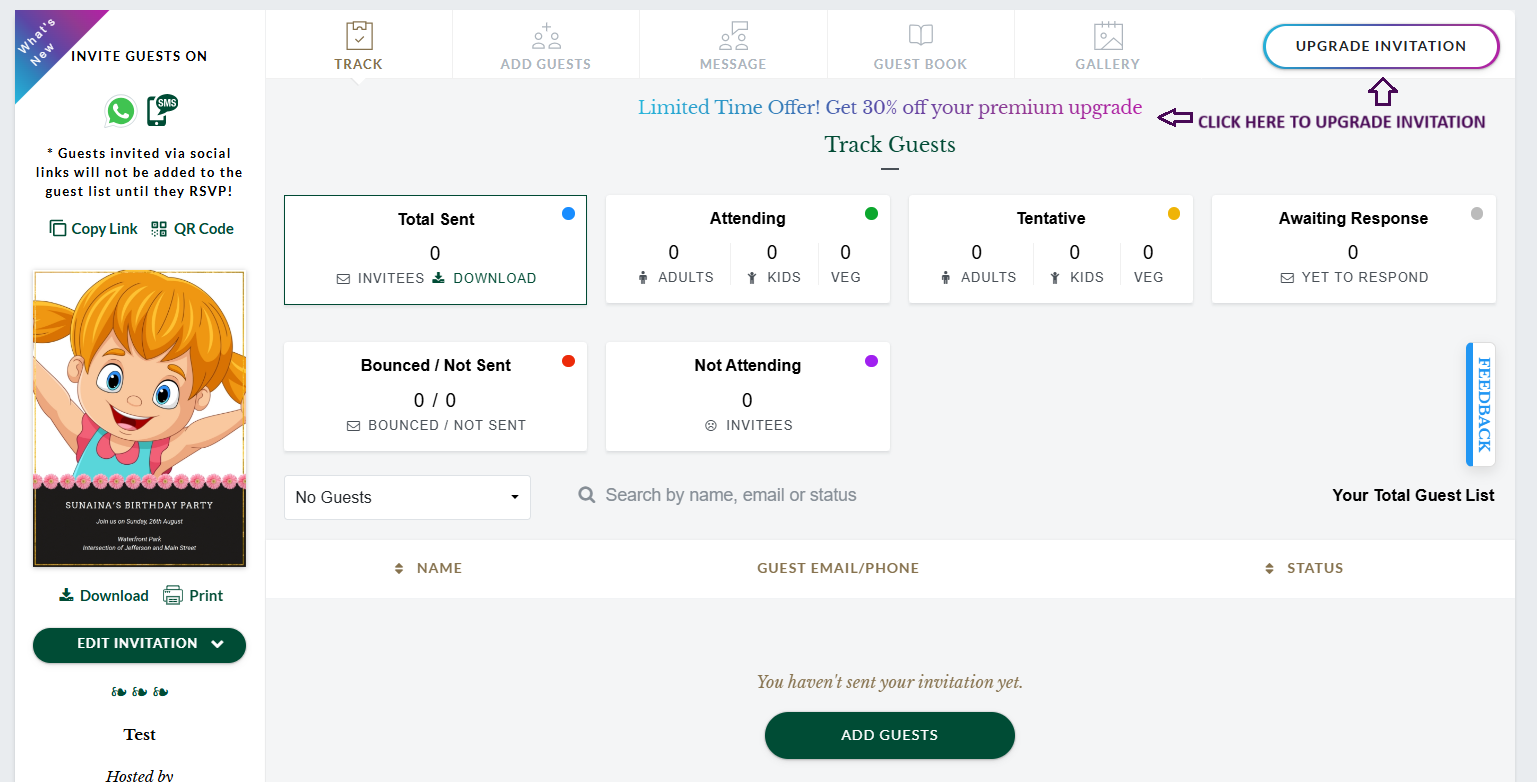
Step2.
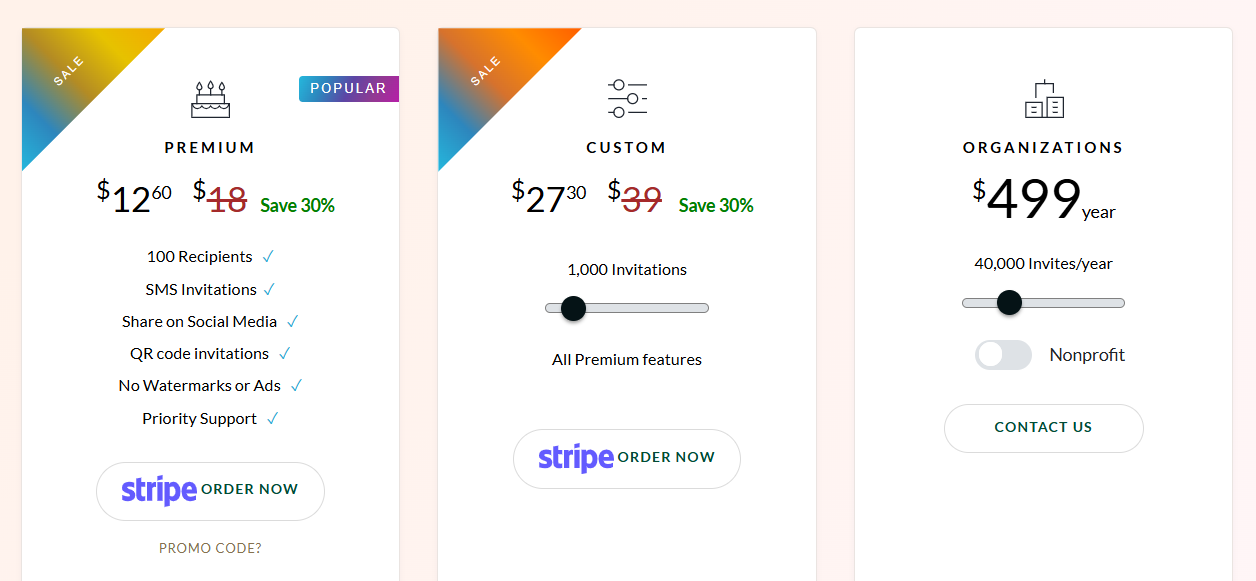
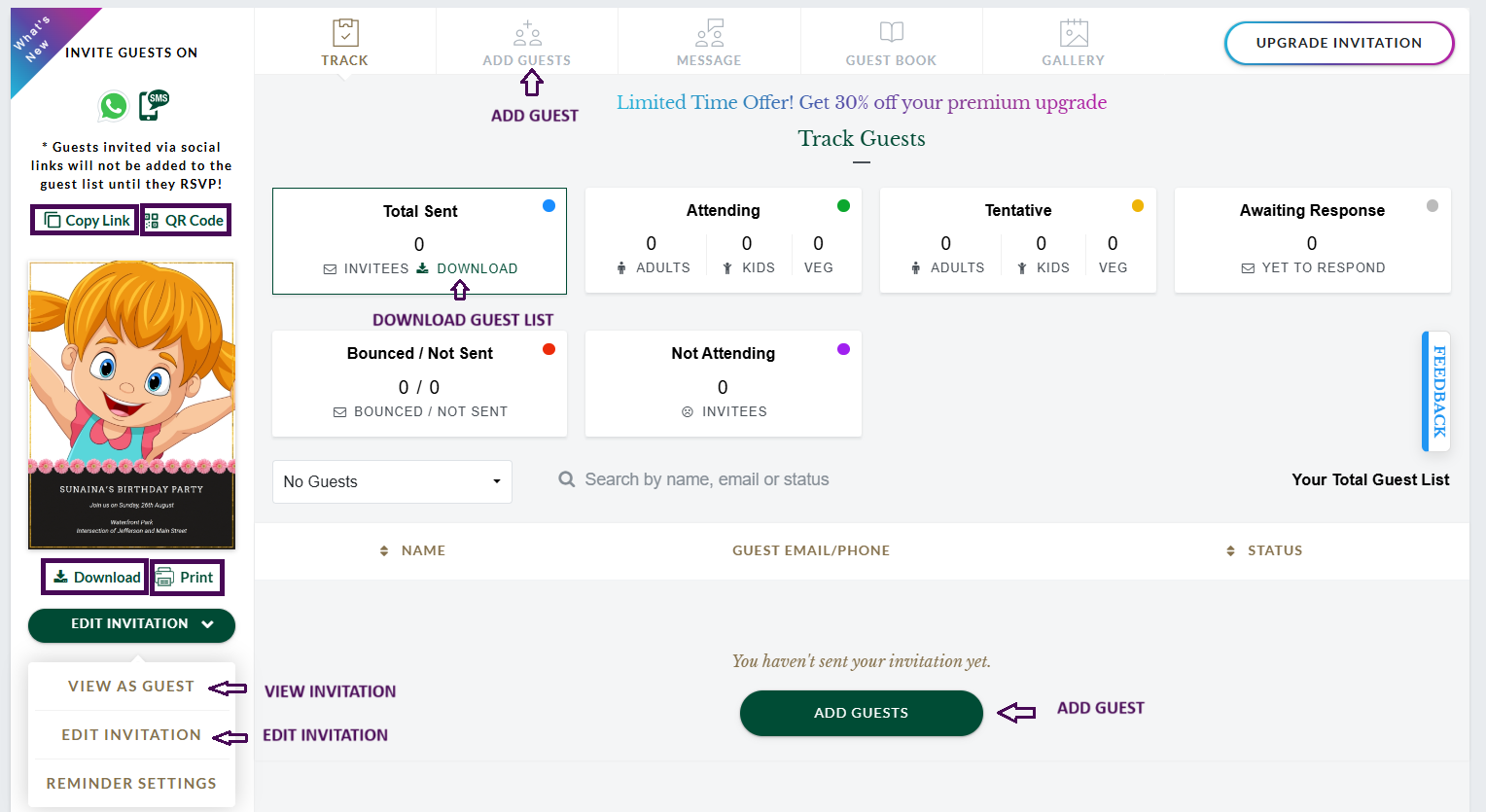
Add contacts & send invitation.
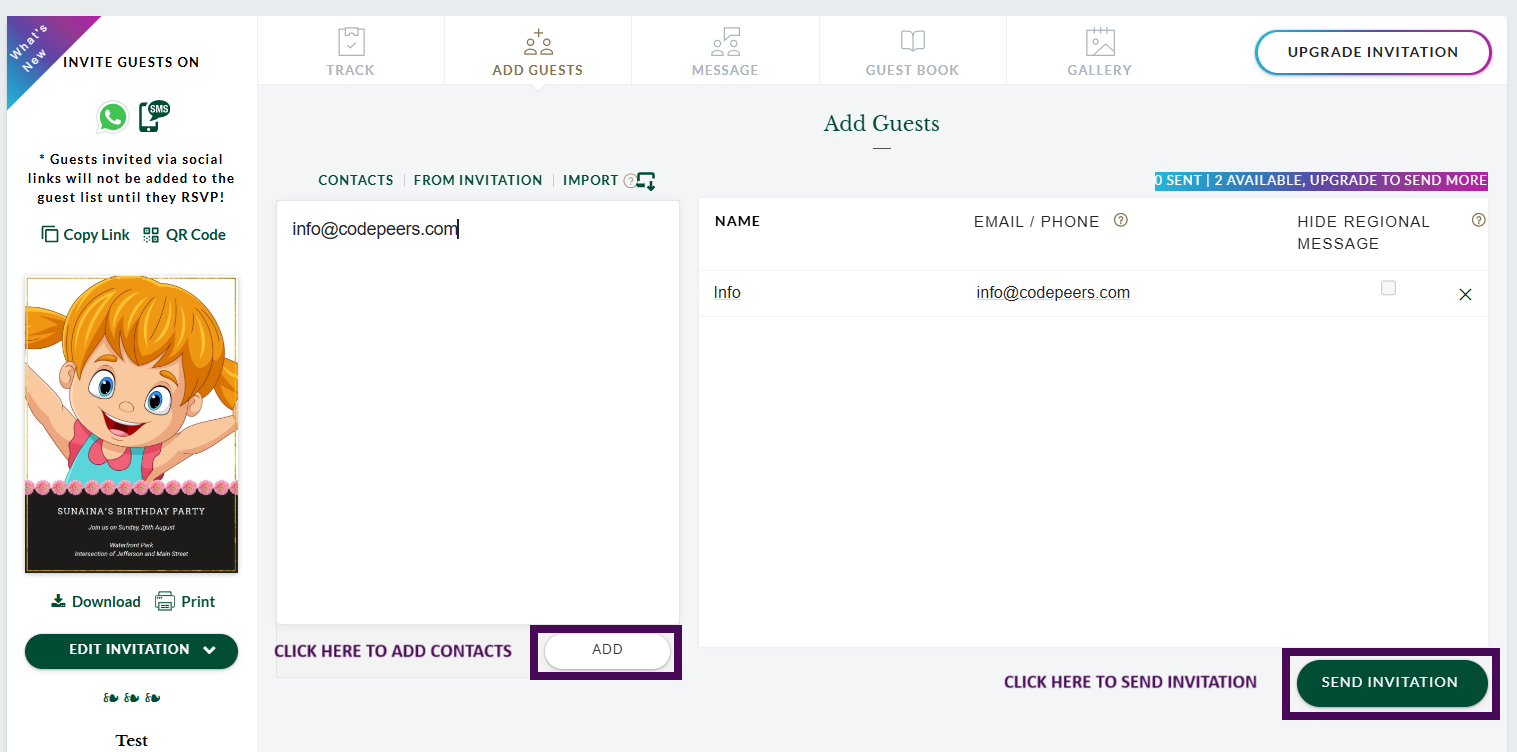
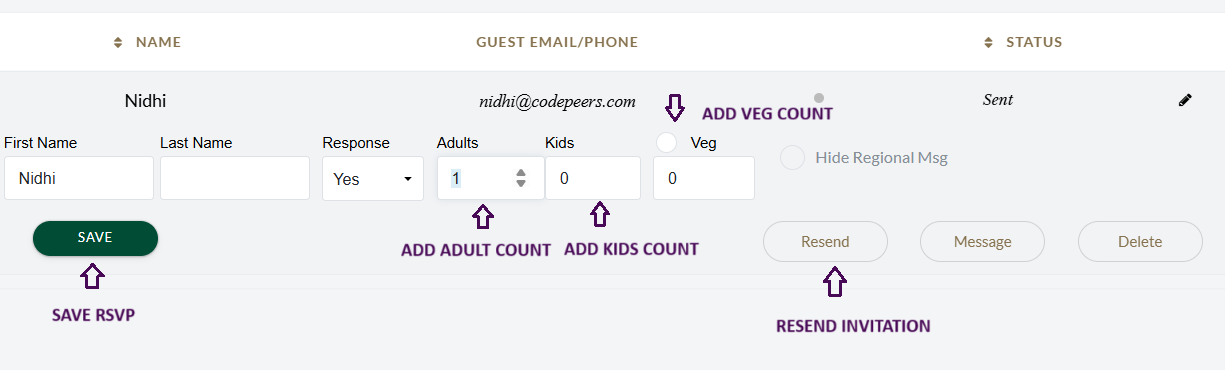
Add & manage guests.
You can log in to inytes.com in two different ways. You may use Google Sign-in or your email address and password to log in.
Select card with following steps.

After card selection we will get two options.
With this option we can dowload the greeitng card after upgrade.
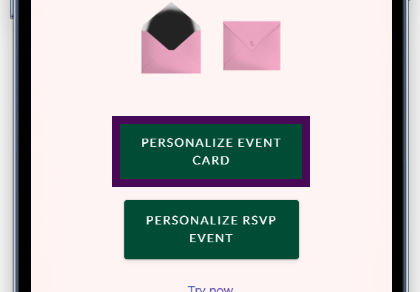
With this option we can Add Card, Add RSVP Guests, Send Invites, Send Gifts etc.
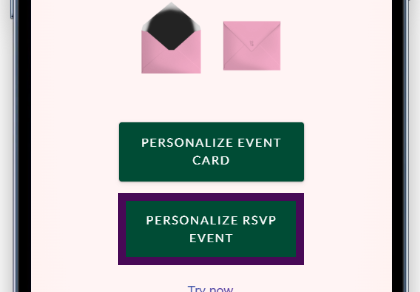
Only for download greetings.
Add necessary details.
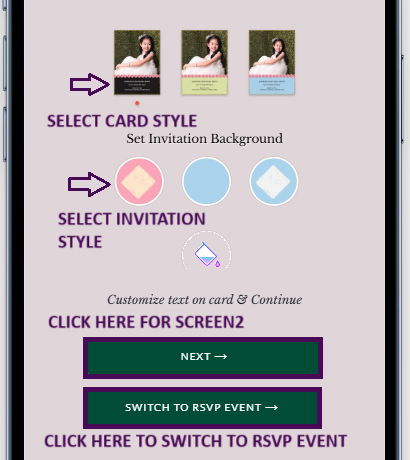
To save details.
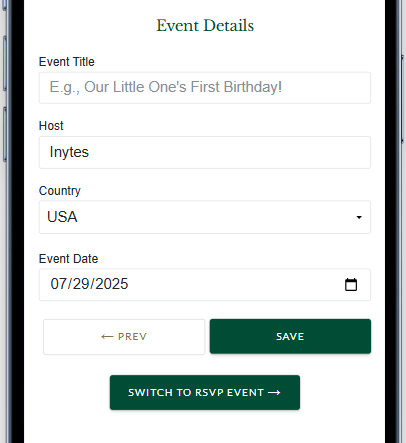
To save details.
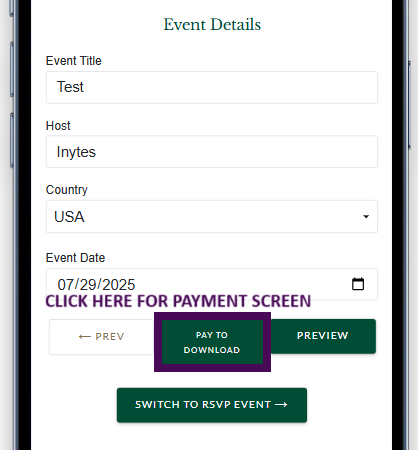
Only for download greetings.
Add necessary details.

To save details.
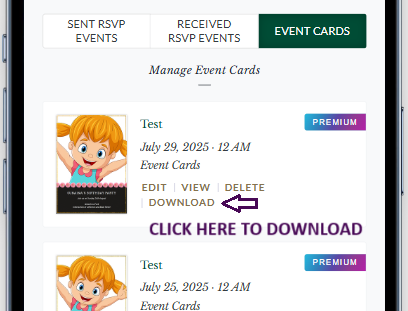
For all RSVP Features.
Select styles.
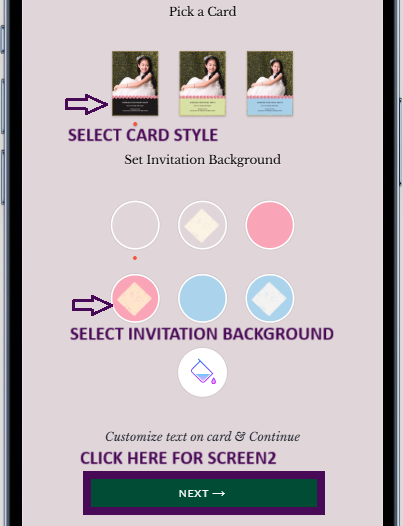
Add necessary details.
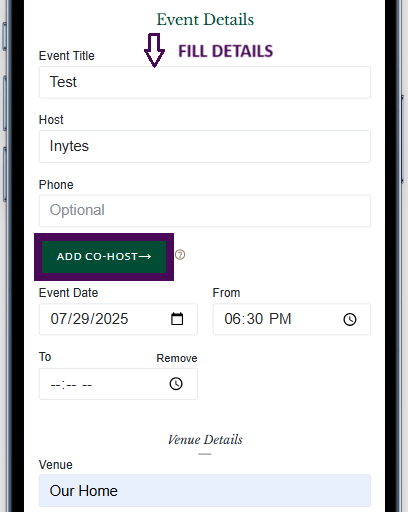
Add necessary details.
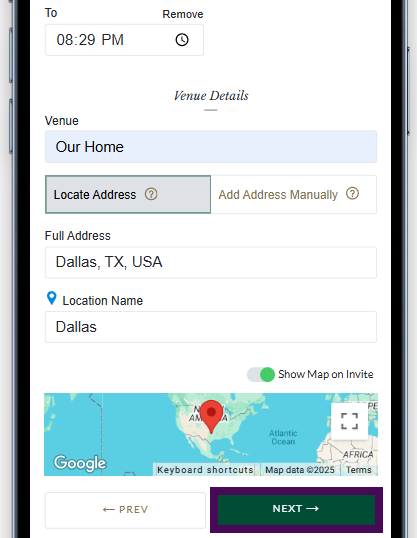
Save details.
Preview & Add Guest.
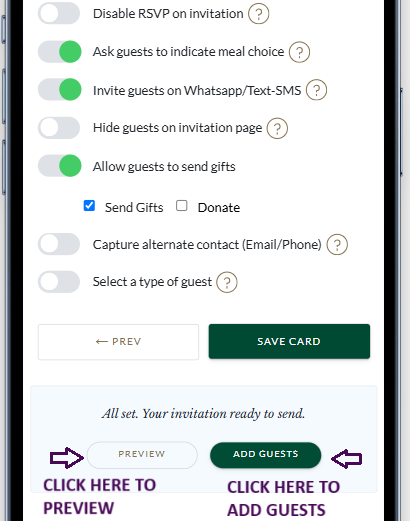
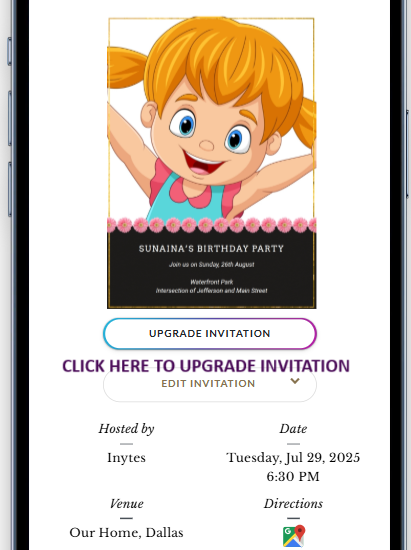
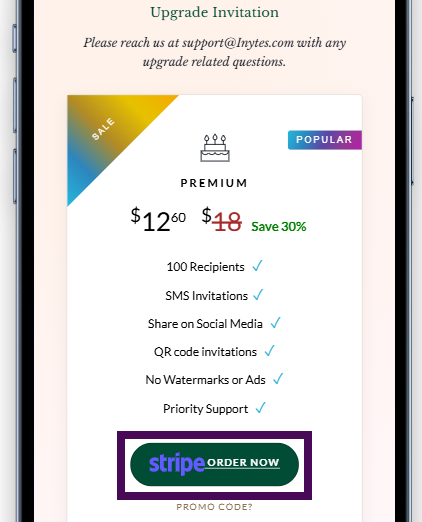
Mamage invitation, add contacts & send invitation.
Add Contacts.
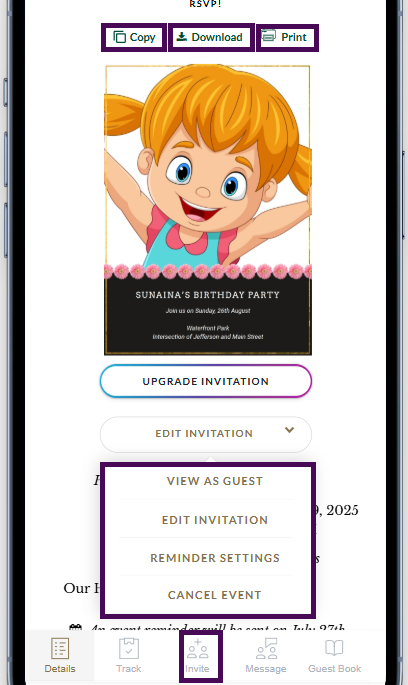
Add contacts & send invitation..
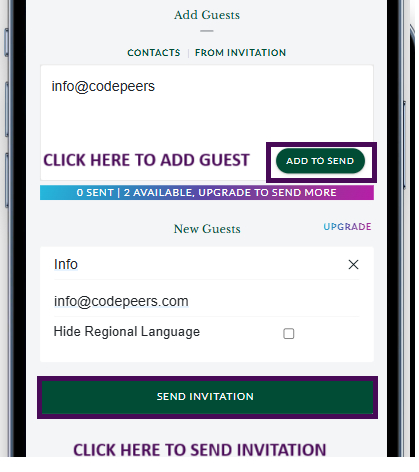
Add & manage guests.
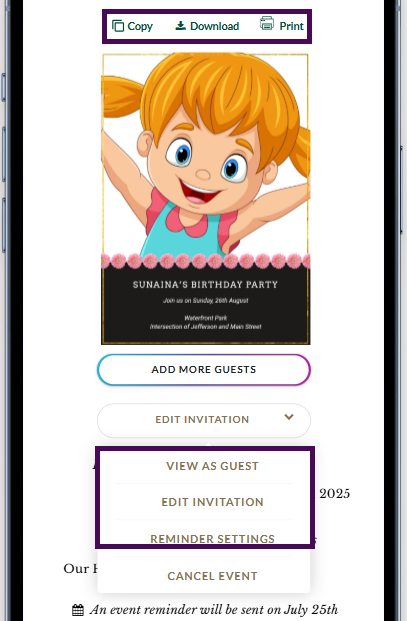
Copy,download and print invitation.
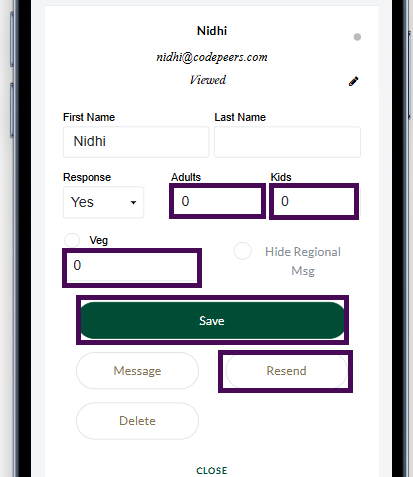
Edit Guest Count.
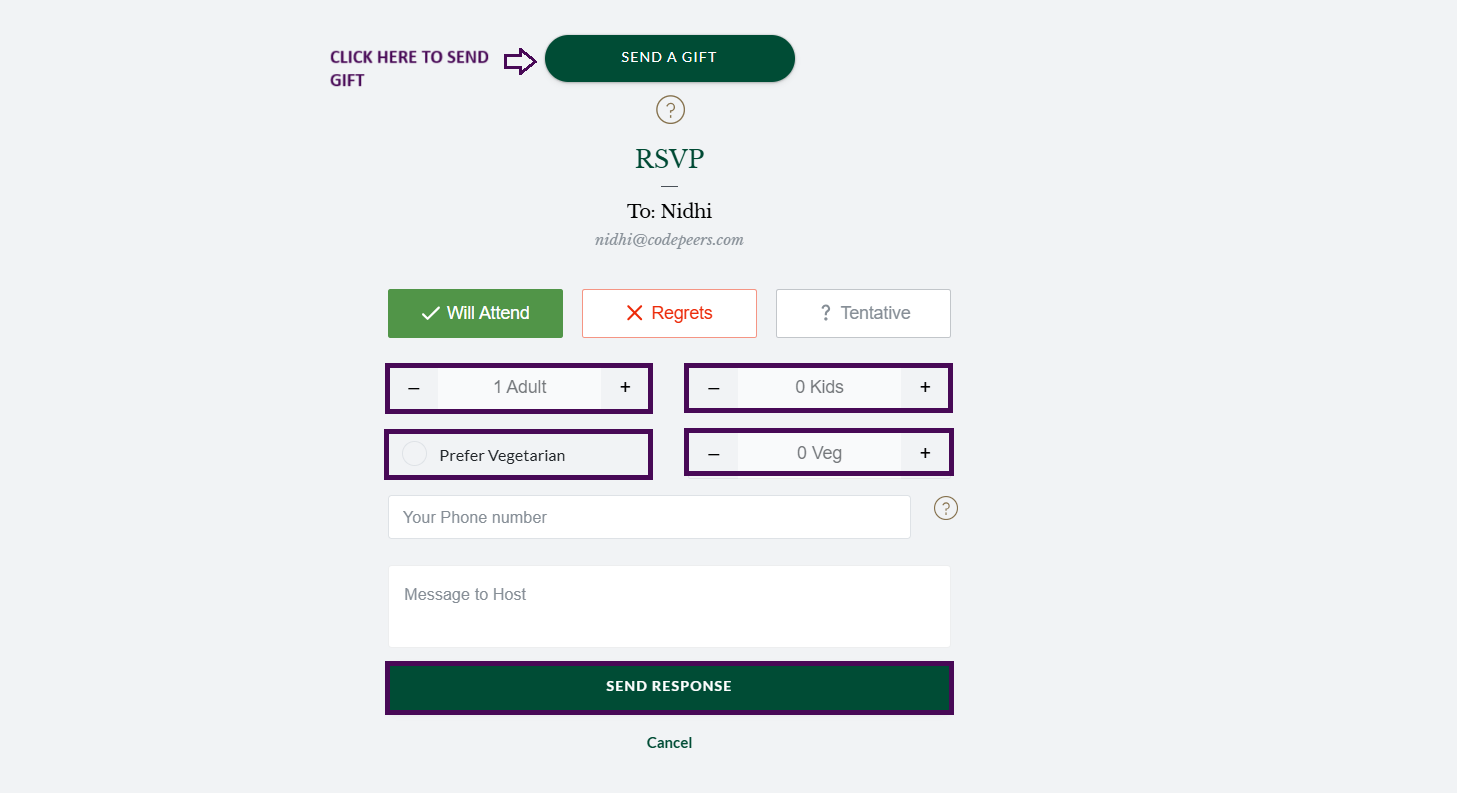
Guest & Host View.